![Fruition_Logo_White.png]](https://helpdesk.meetfruition.com/hs-fs/hubfs/Fruition_Logo_White.png?width=40&height=40&name=Fruition_Logo_White.png)
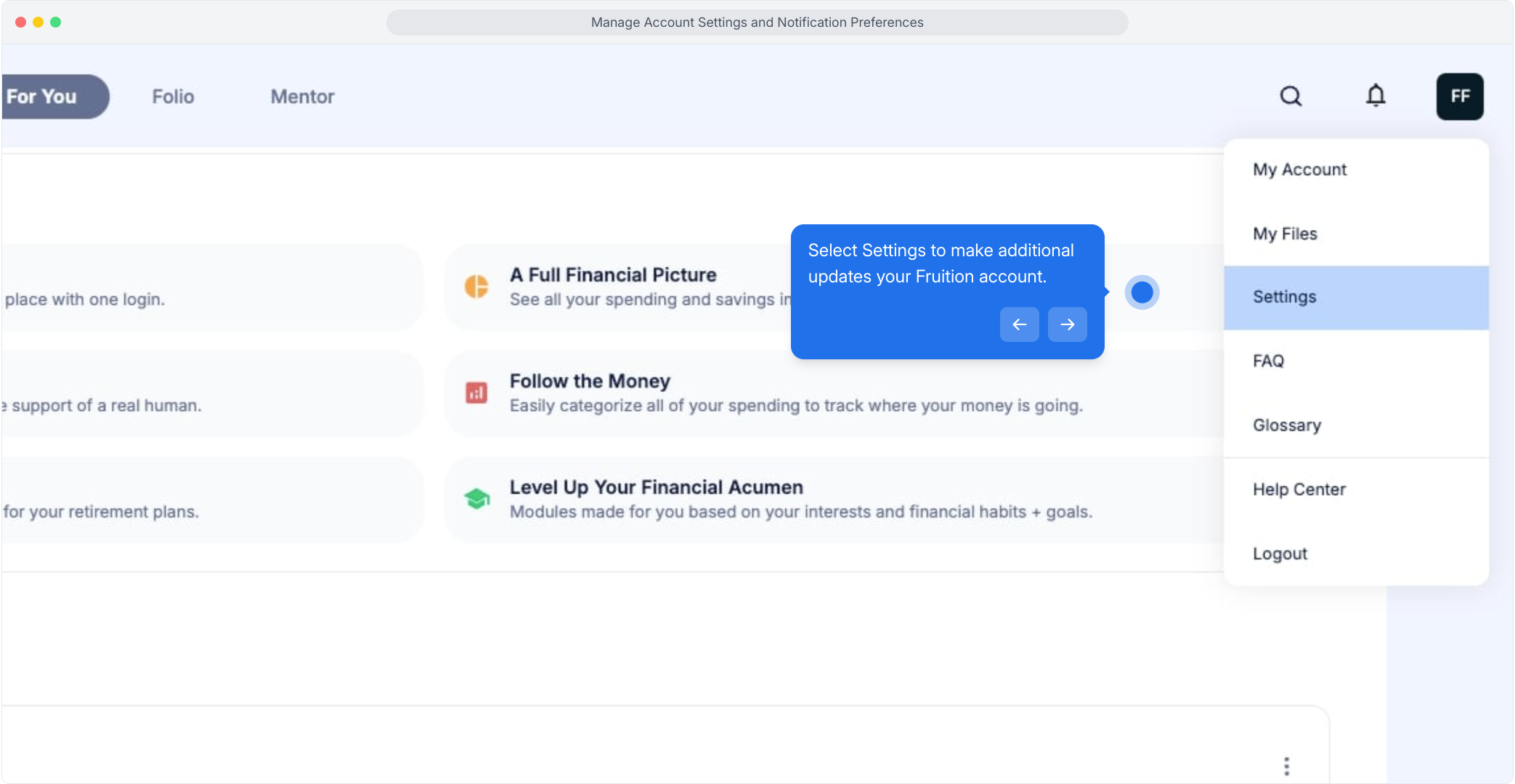
Click on your avatar in the top right hand corner and select Settings to make changes to the notifications you are recieving from Fruition.
Adjust the way you receive communications from Fruition at any time. You can customize by type of notification and channel or pause all notifications at once.
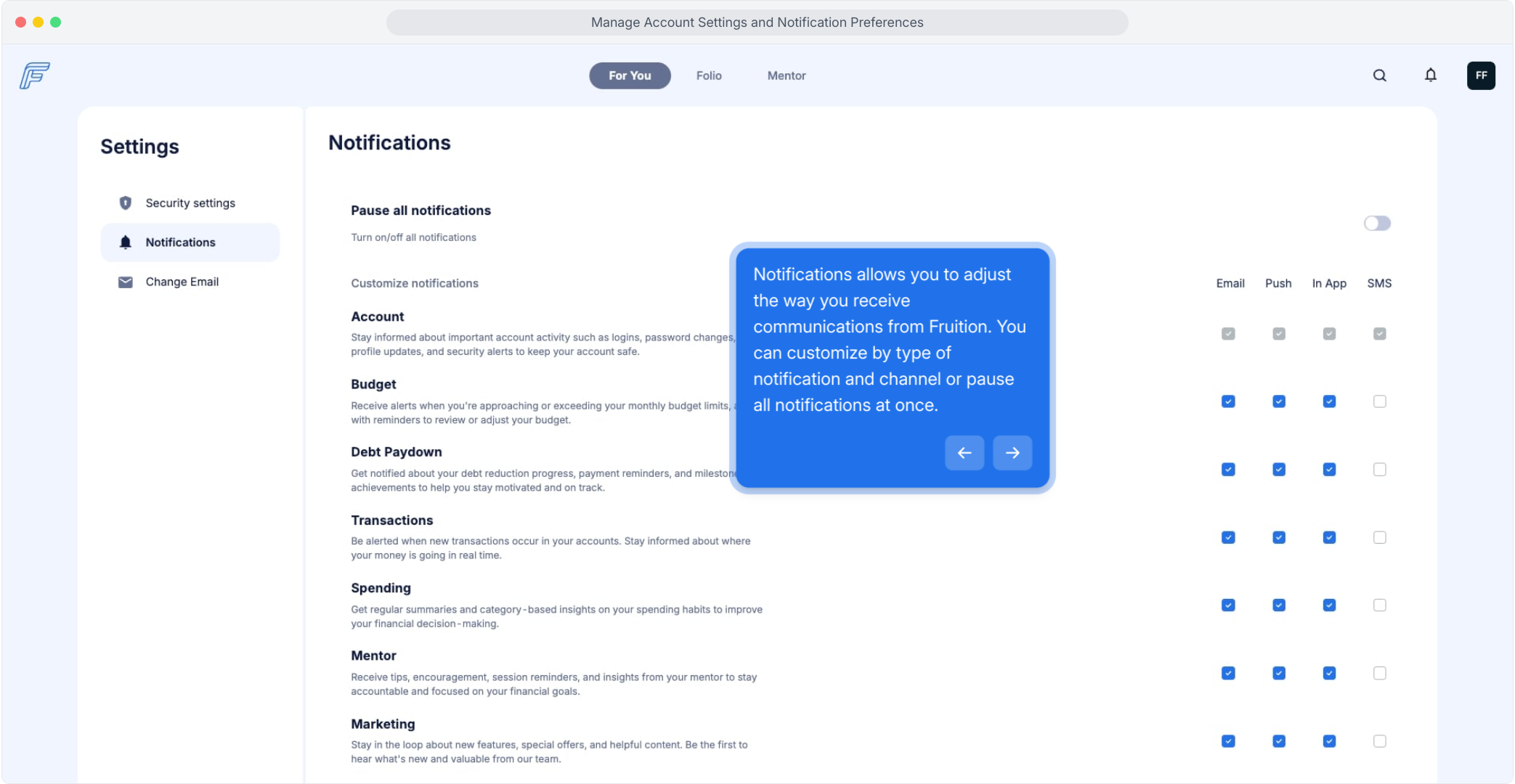
If you are on the mobile app, navigate to your avatar in the top right hand corner of the app, and then choose Notifications to make the same kind of updates.