![Fruition_Logo_White.png]](https://helpdesk.meetfruition.com/hs-fs/hubfs/Fruition_Logo_White.png?width=40&height=40&name=Fruition_Logo_White.png)
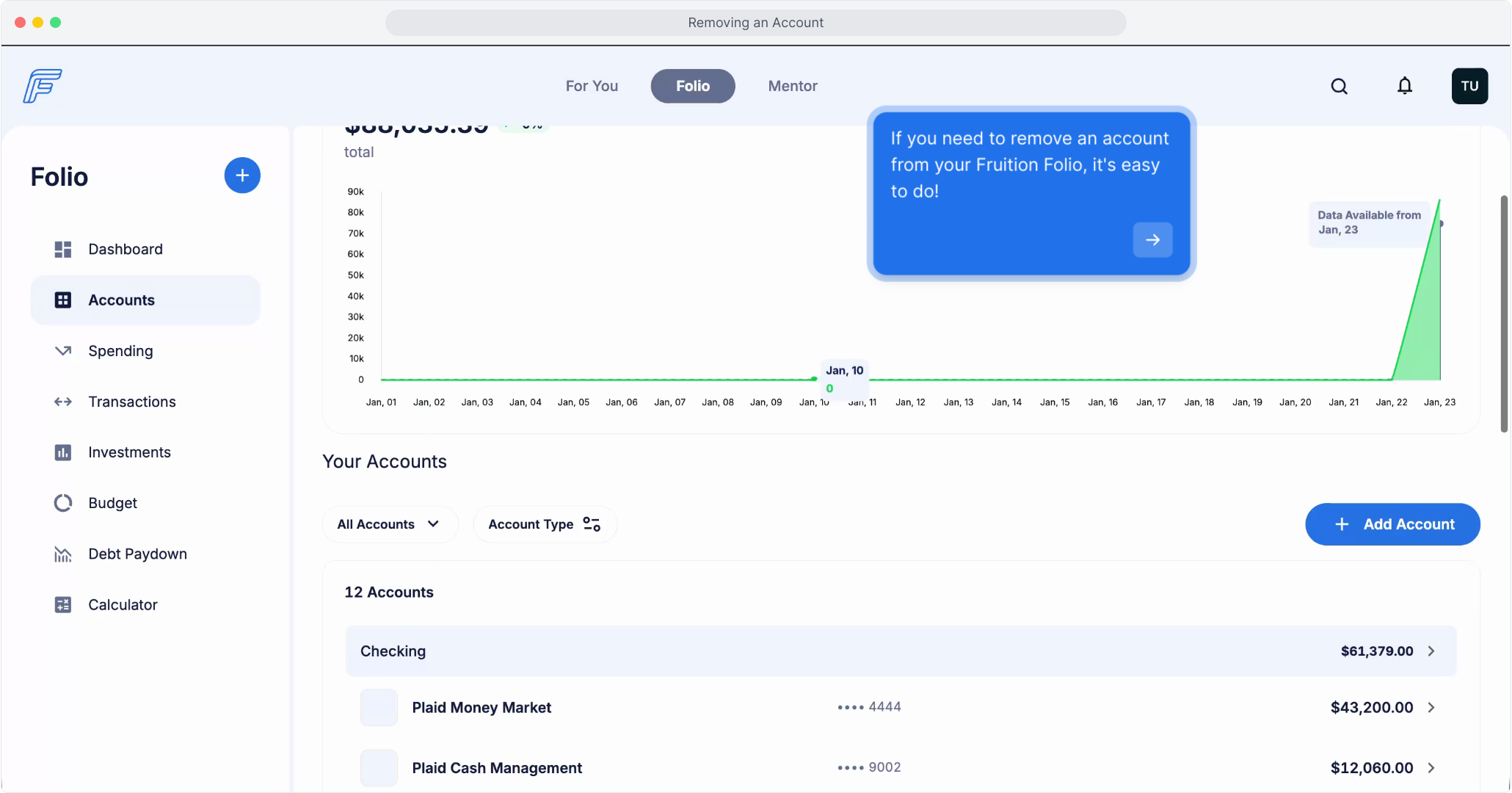
1. Navigate to the Accounts view to see a full list of connected financial accounts.
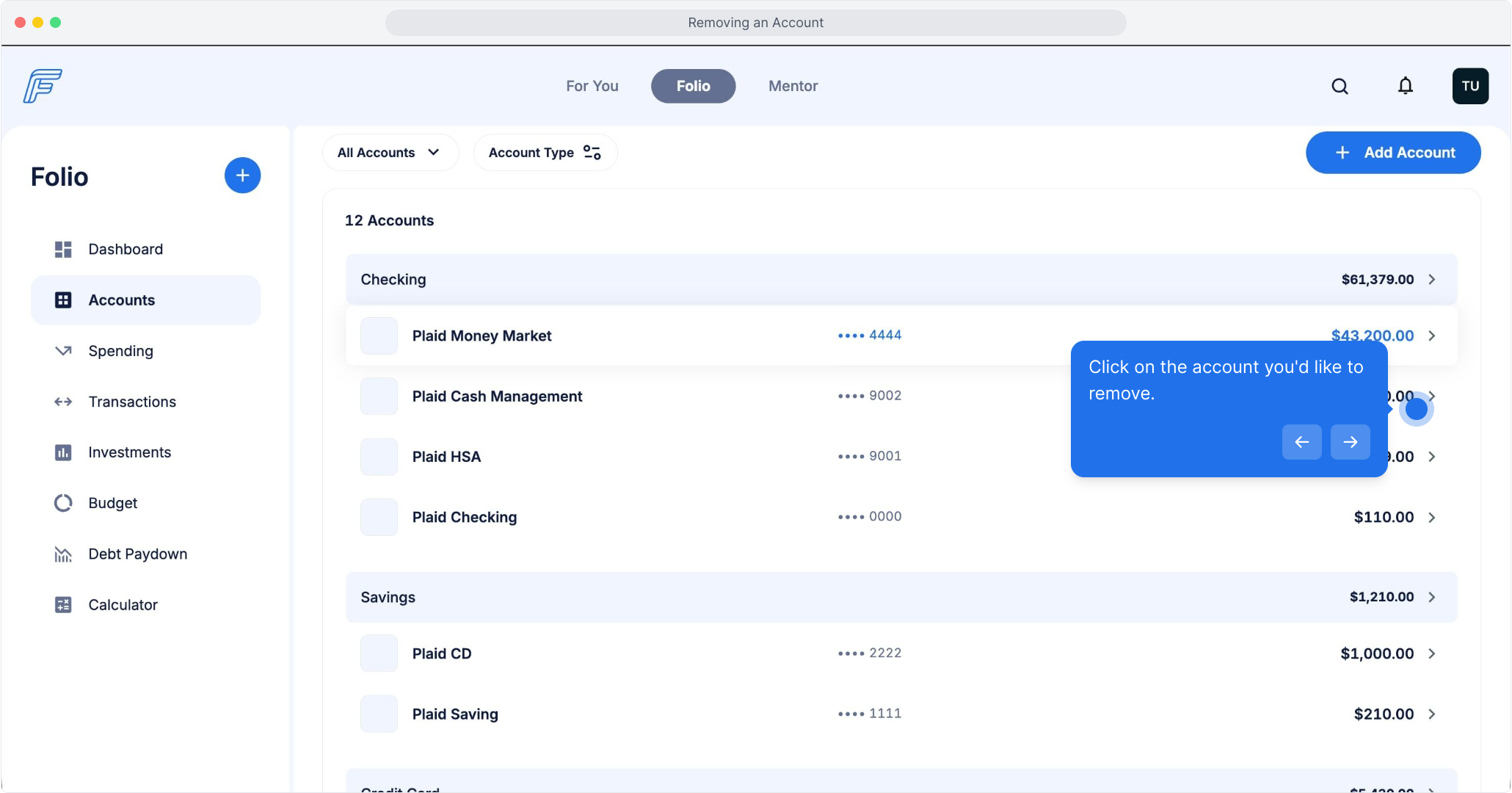
2. Click on the account you'd like to remove.
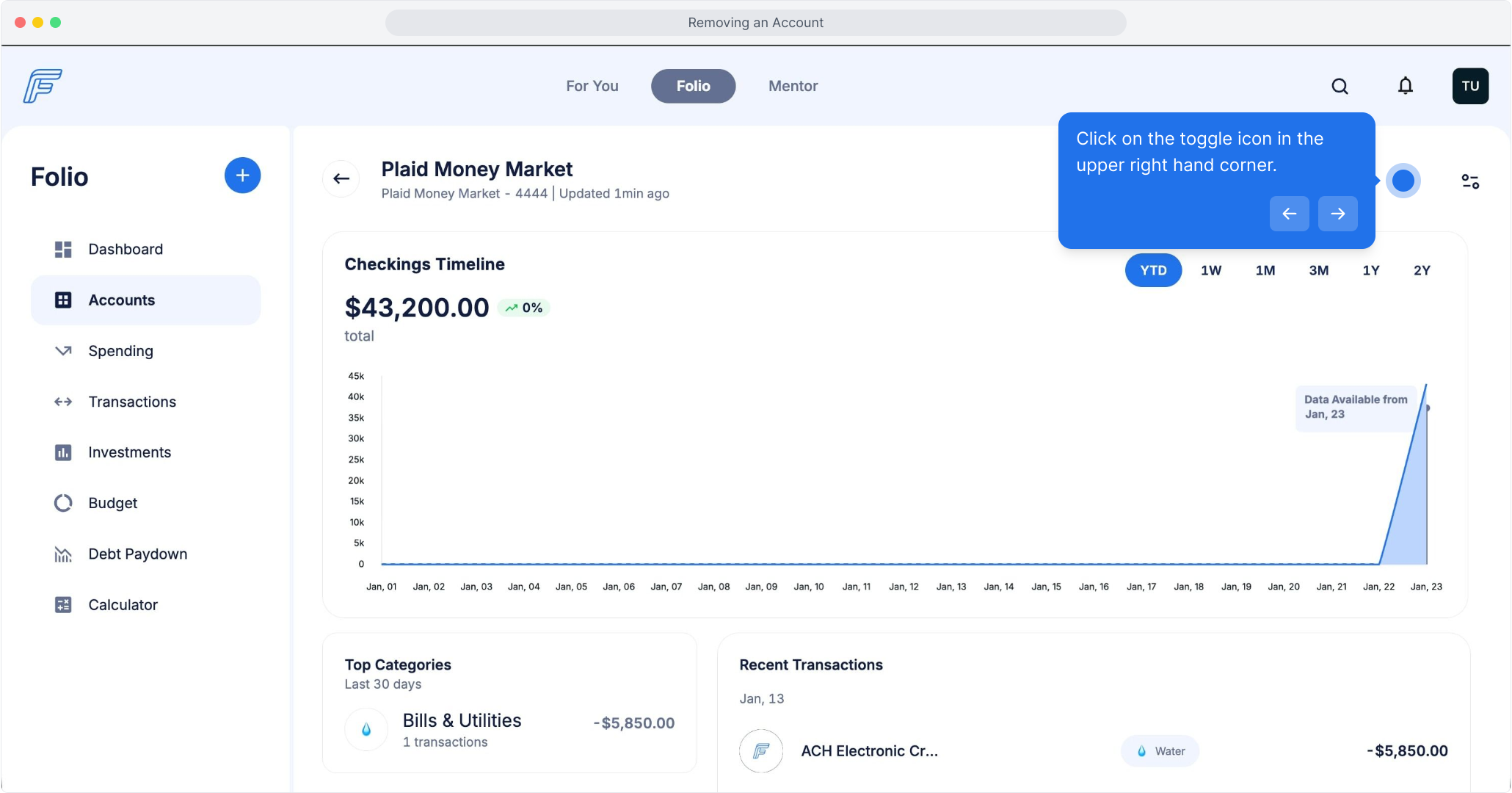
3. Click on the toggle icon in the upper right hand corner.
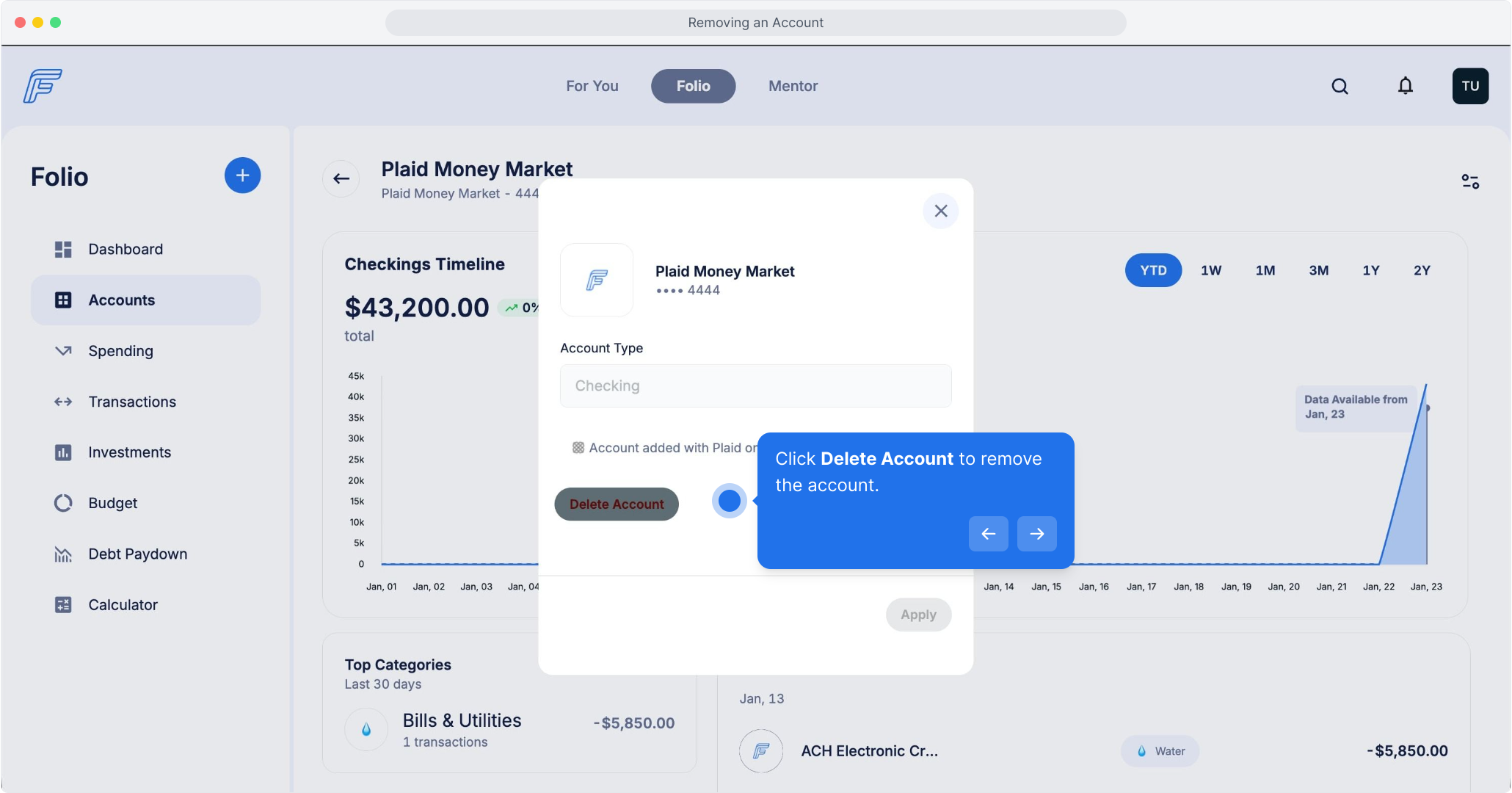
4. Click Delete Account to remove the account.
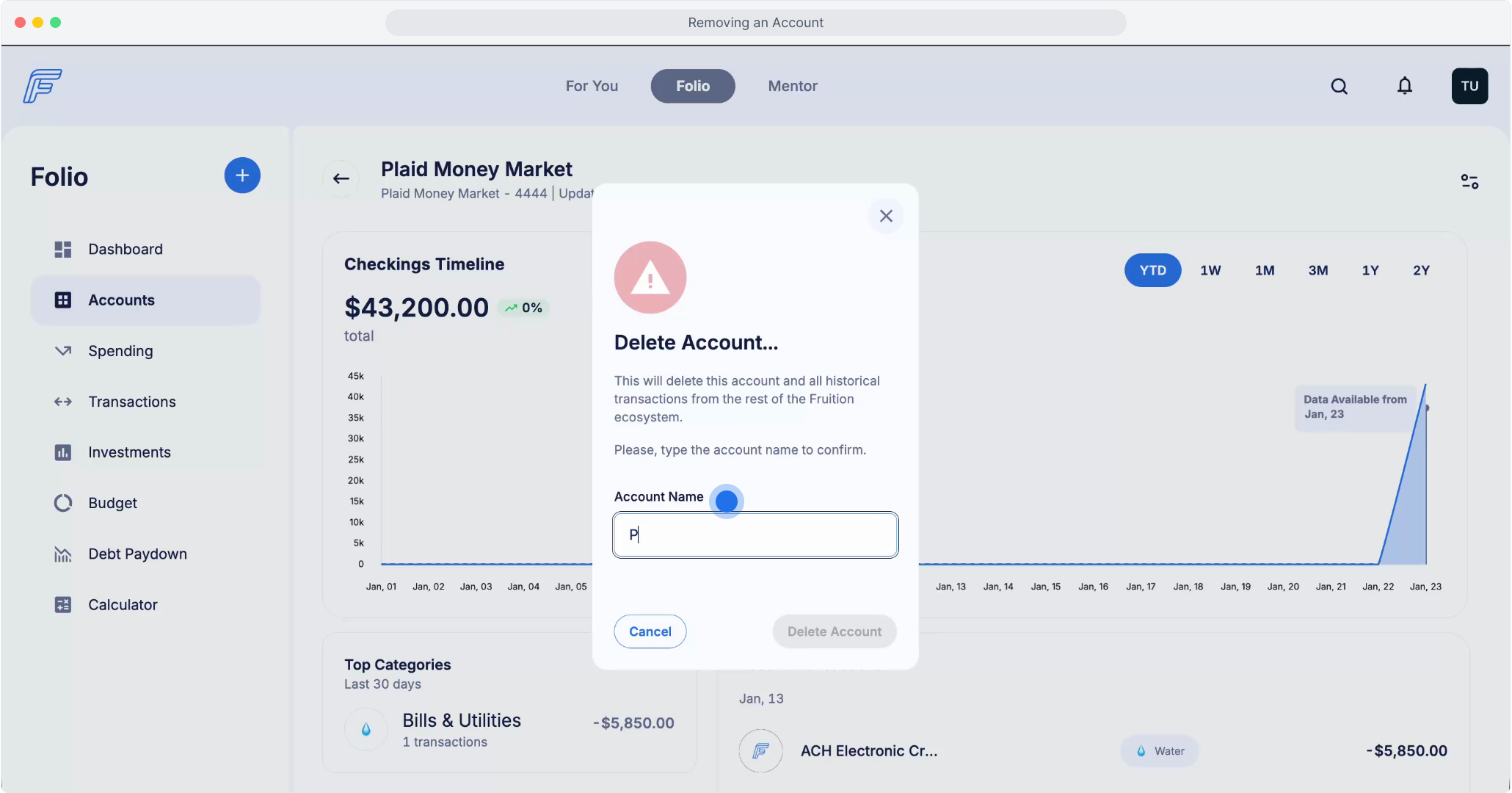
5. To confirm the deletion, type the name of the account.
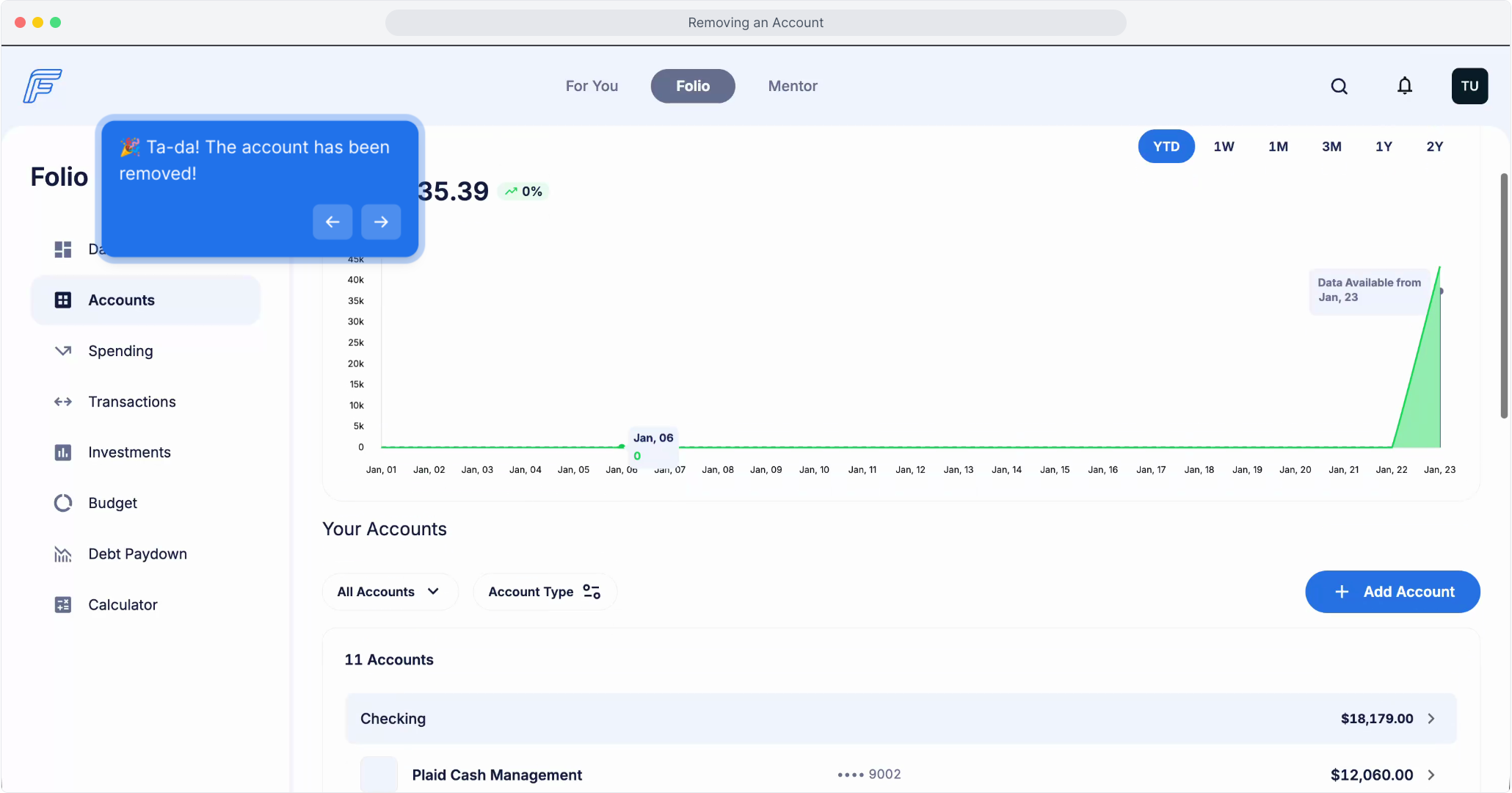
6. 🎉 Ta-da! The account has been removed!