![Fruition_Logo_White.png]](https://helpdesk.meetfruition.com/hs-fs/hubfs/Fruition_Logo_White.png?width=40&height=40&name=Fruition_Logo_White.png)
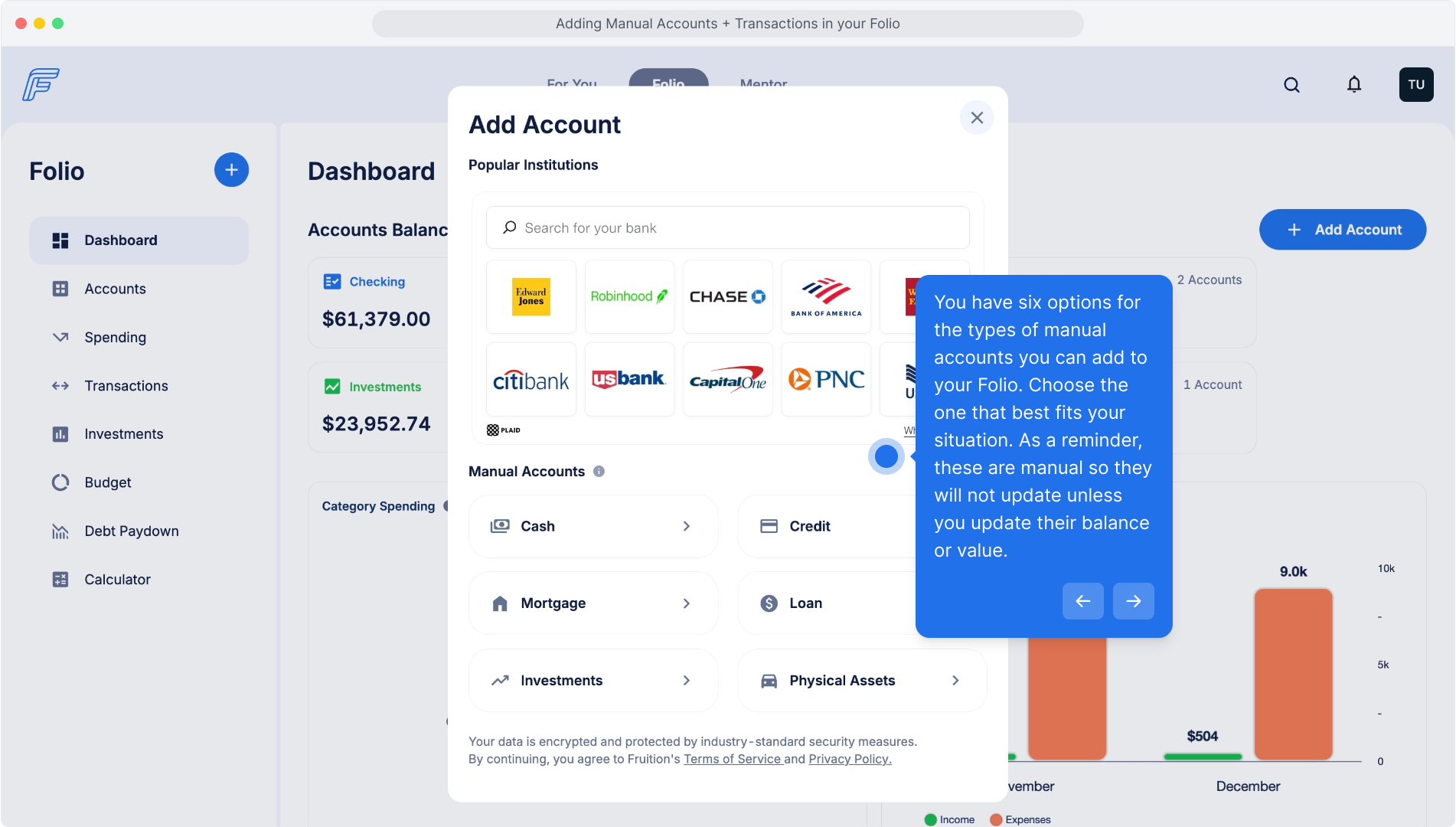
You have six options for the types of manual accounts you can add to your Folio. Choose the one that best fits your situation. As a reminder, these are manual so they will not update unless you update their balance or value.
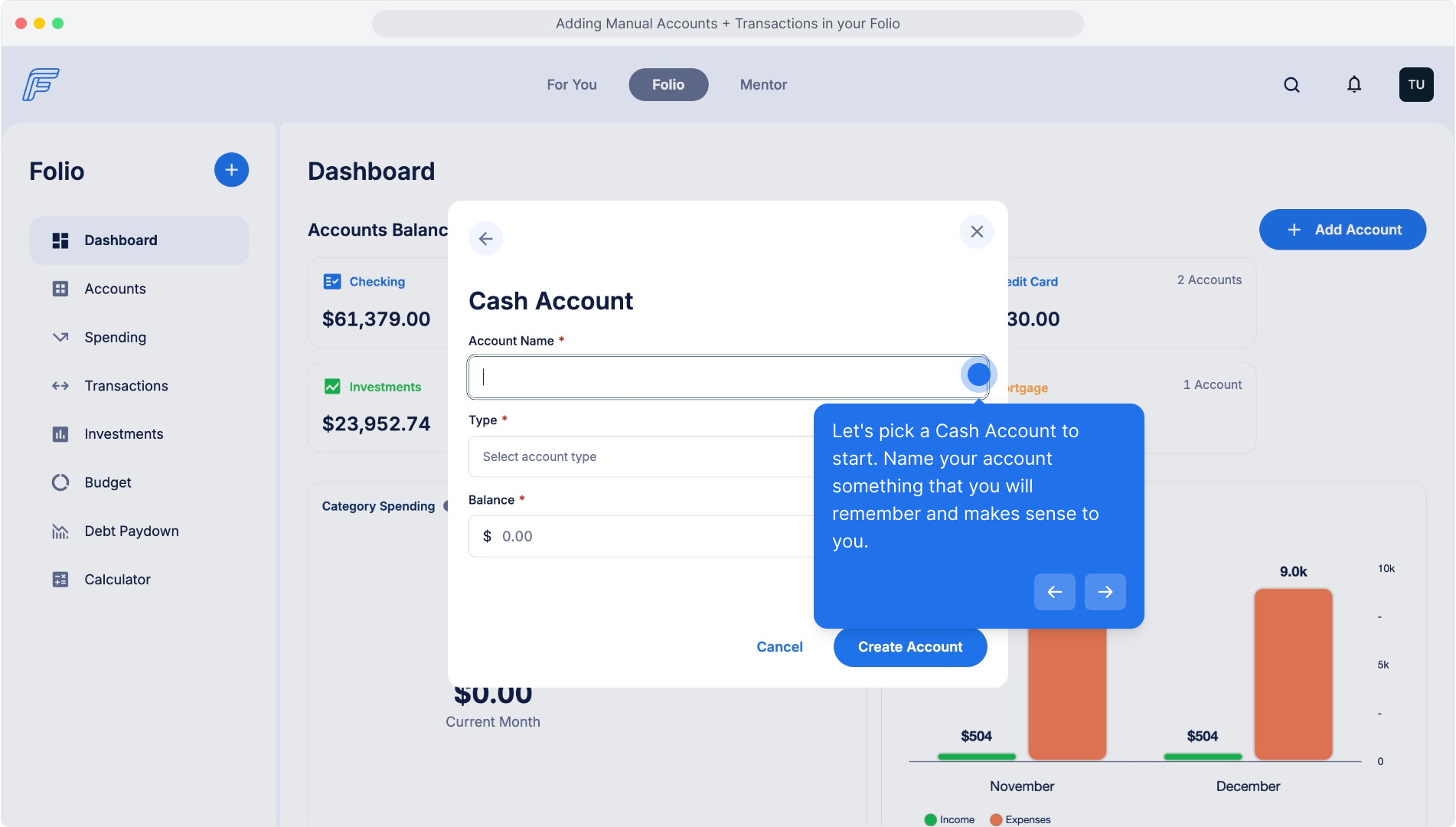
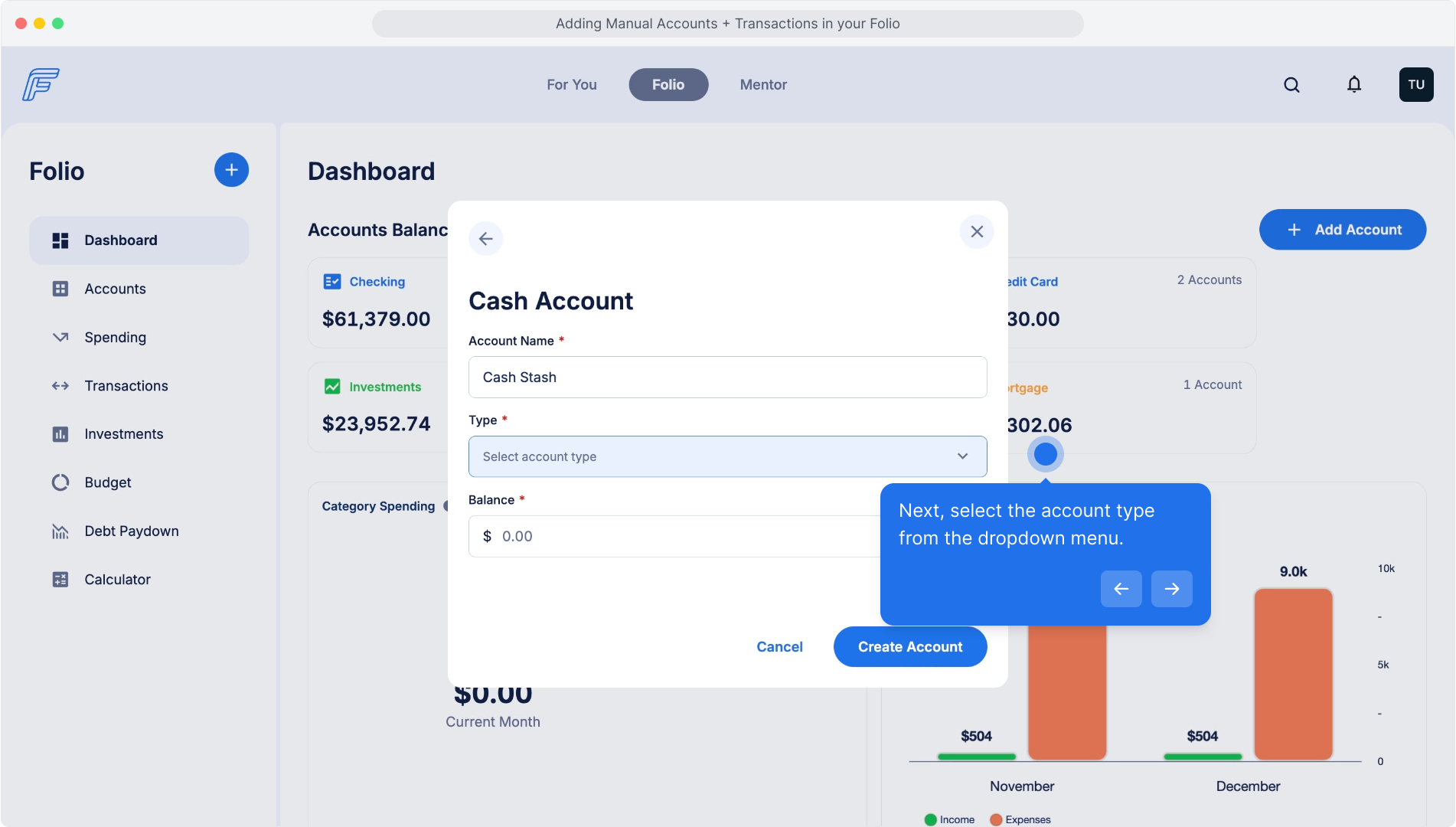
Let's pick a Cash Account to start. Name your account something that you will remember and makes sense to you.
Next, select the account type from the dropdown menu.
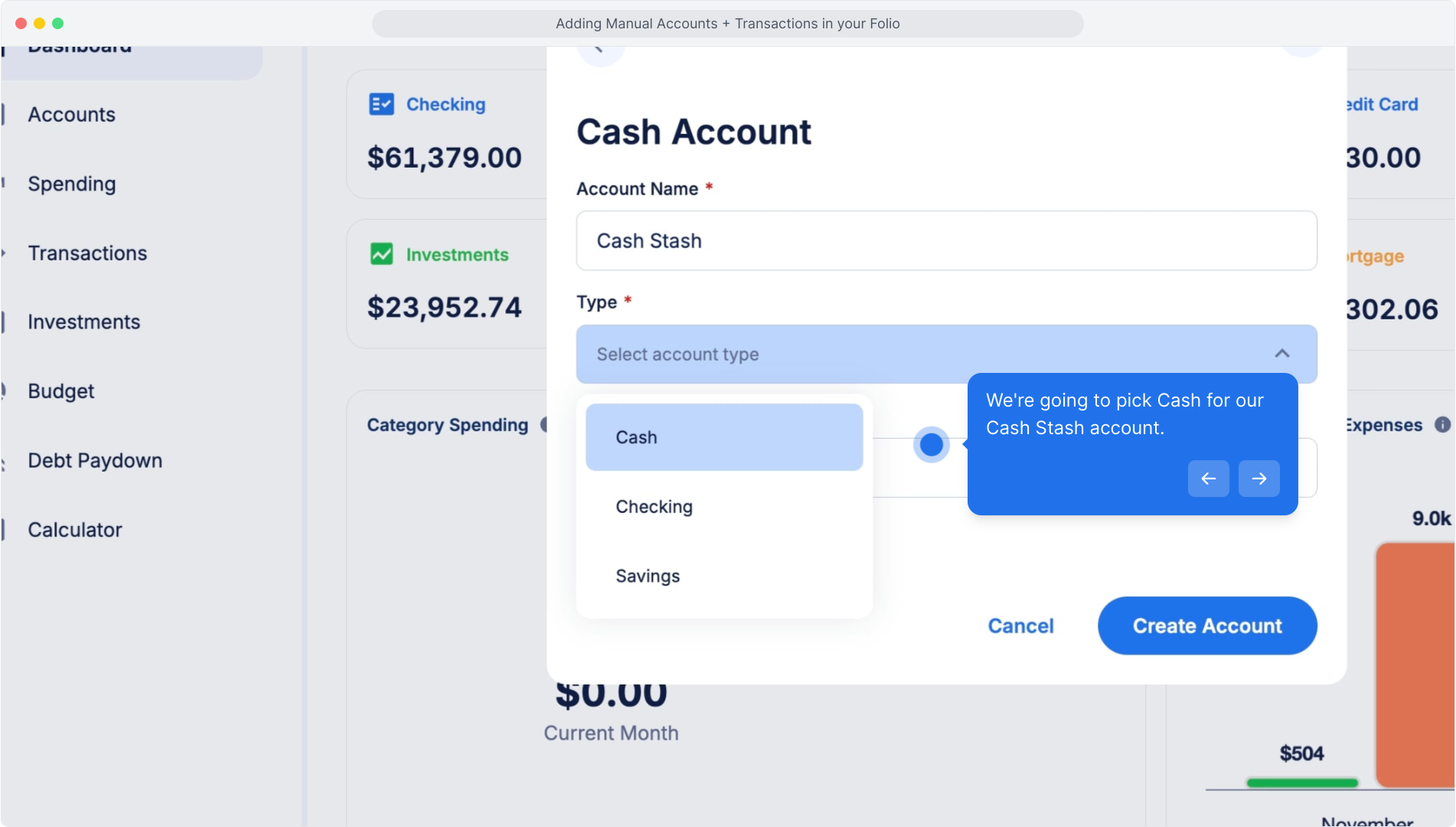
We're going to pick Cash for our Cash Stash account.
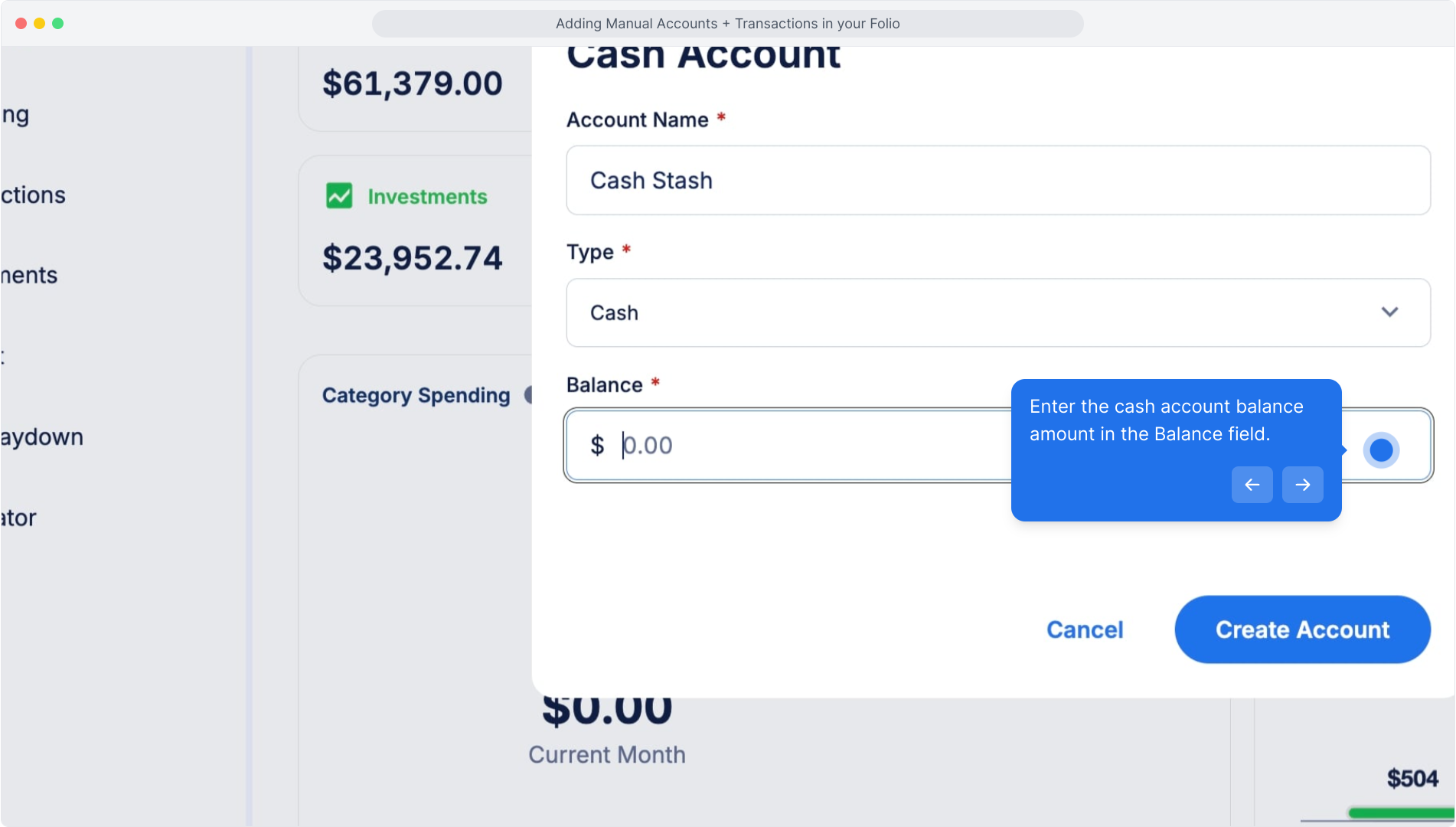
Enter the cash account balance amount in the Balance field.
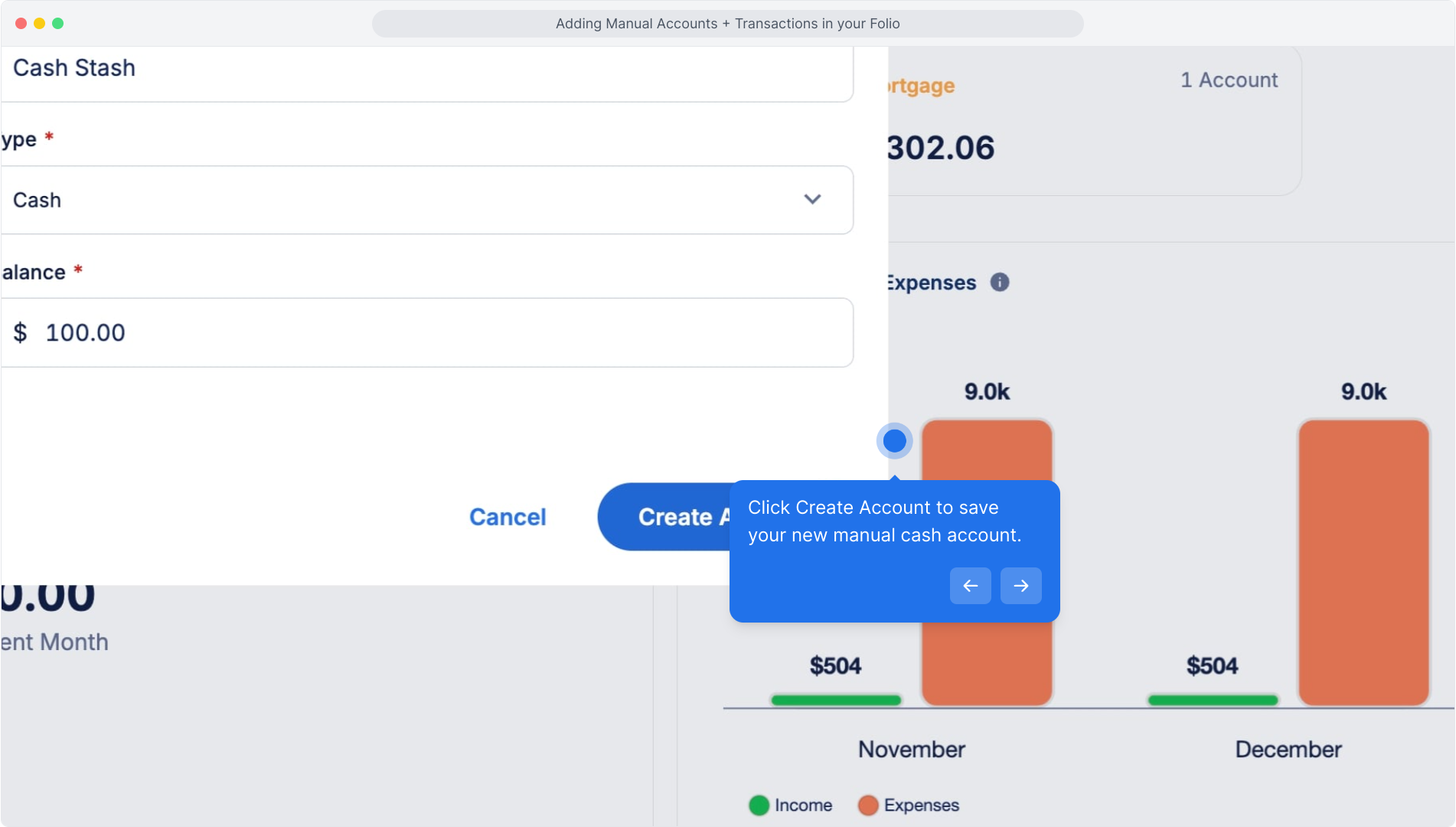
Click Create Account to save your new manual cash account.
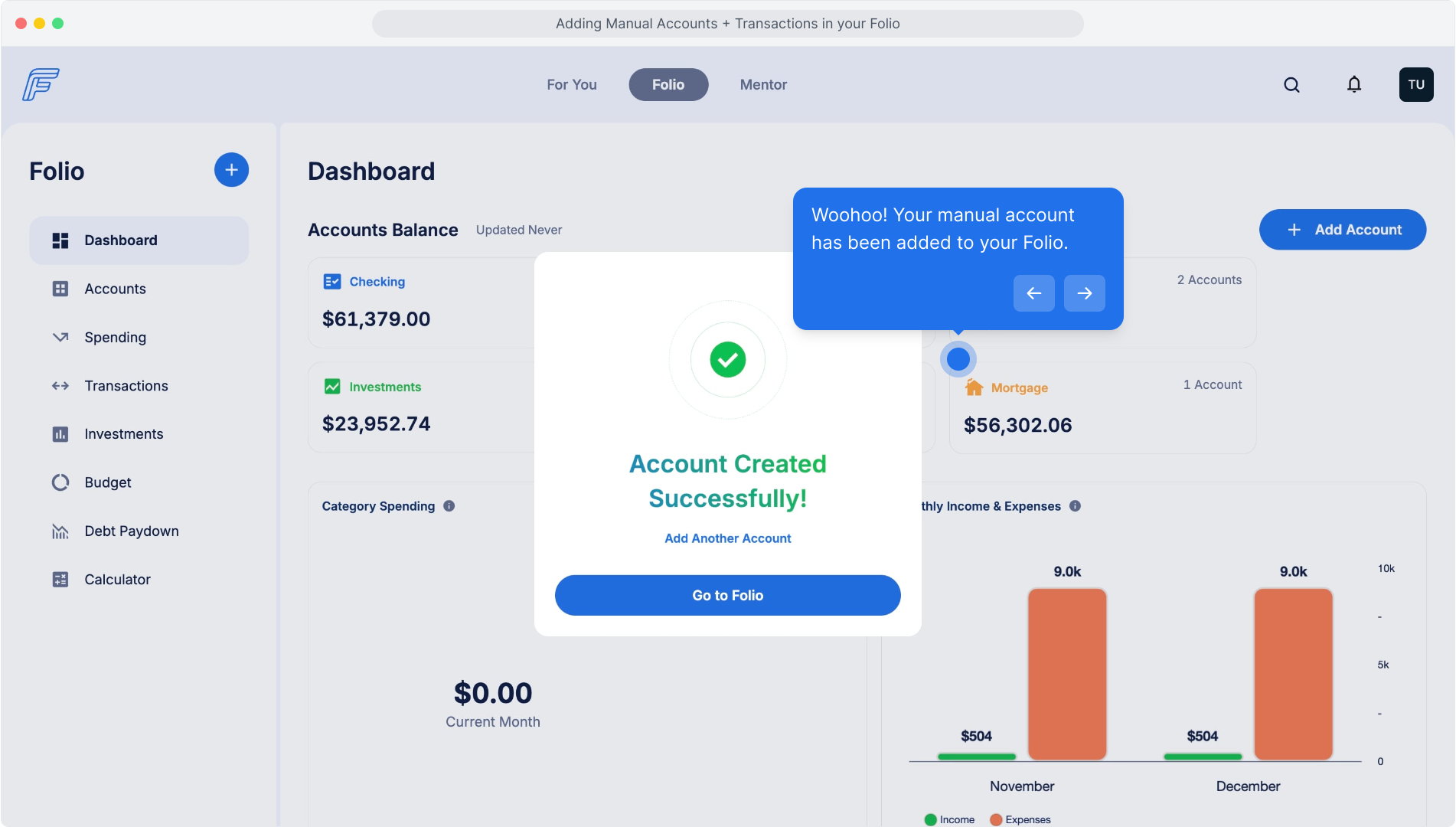
Woohoo! Your manual account has been added to your Folio.
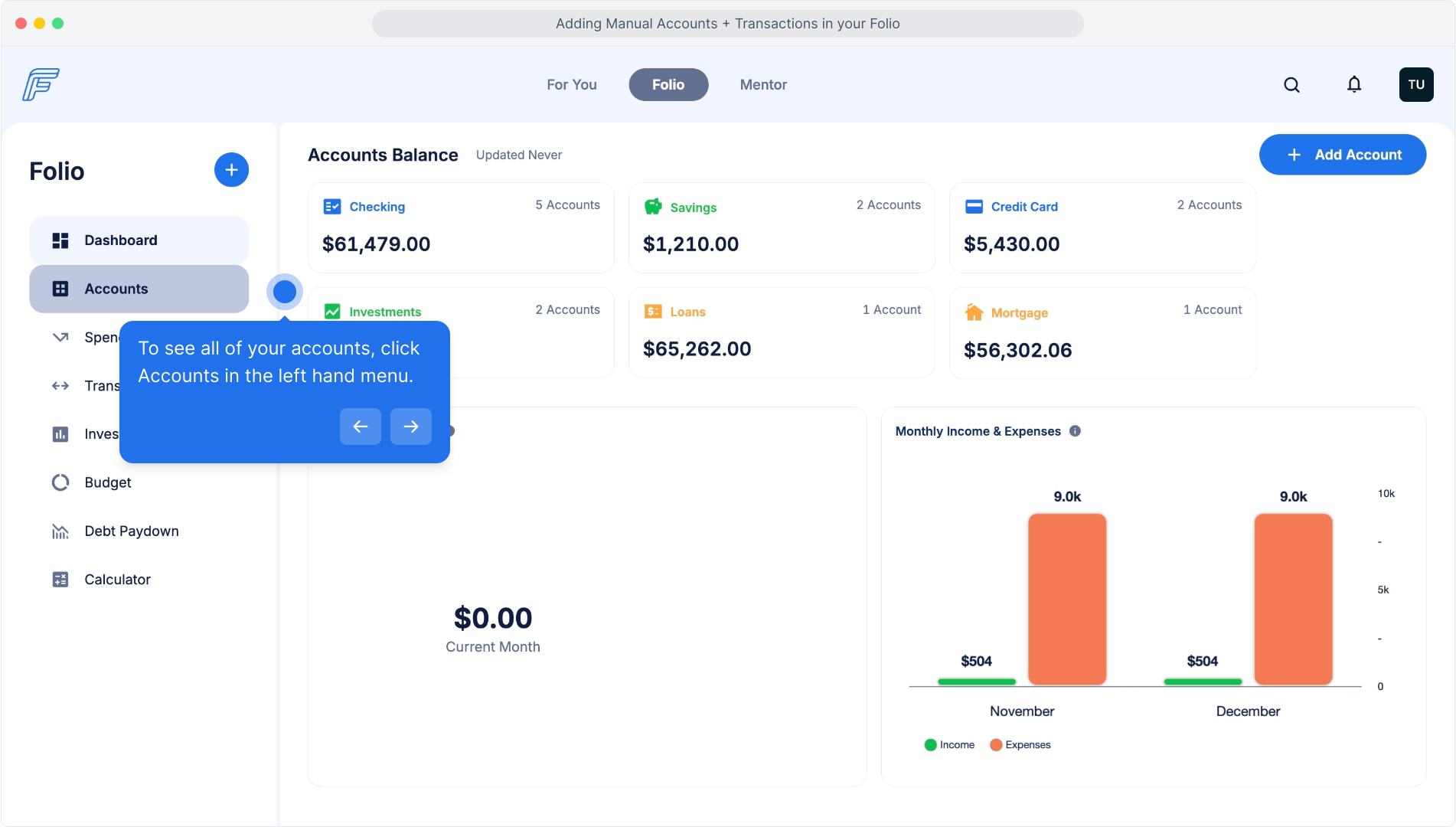
To see all of your accounts, click Accounts in the left hand menu.
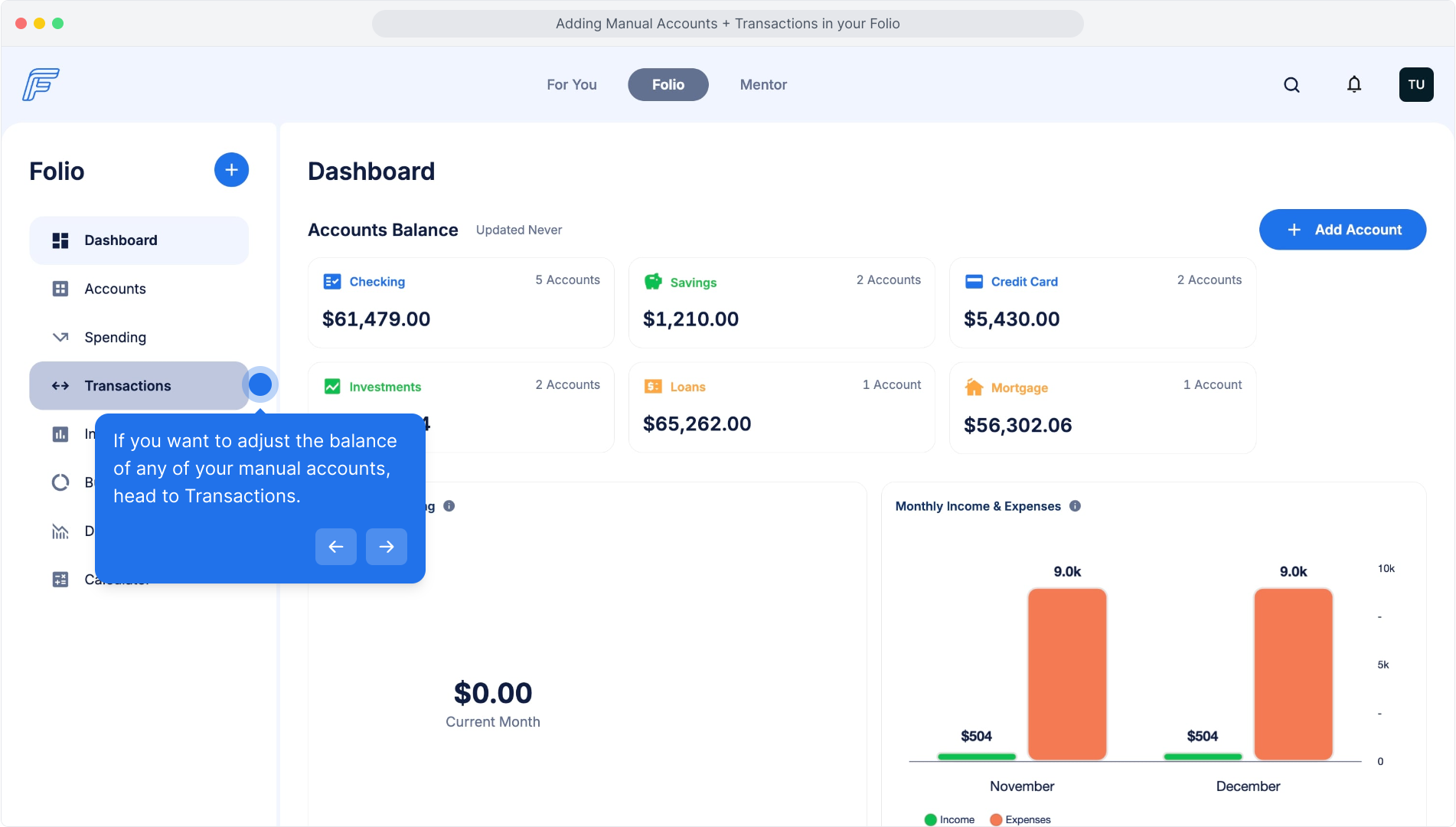
If you want to adjust the balance of any of your manual accounts, head to Transactions.
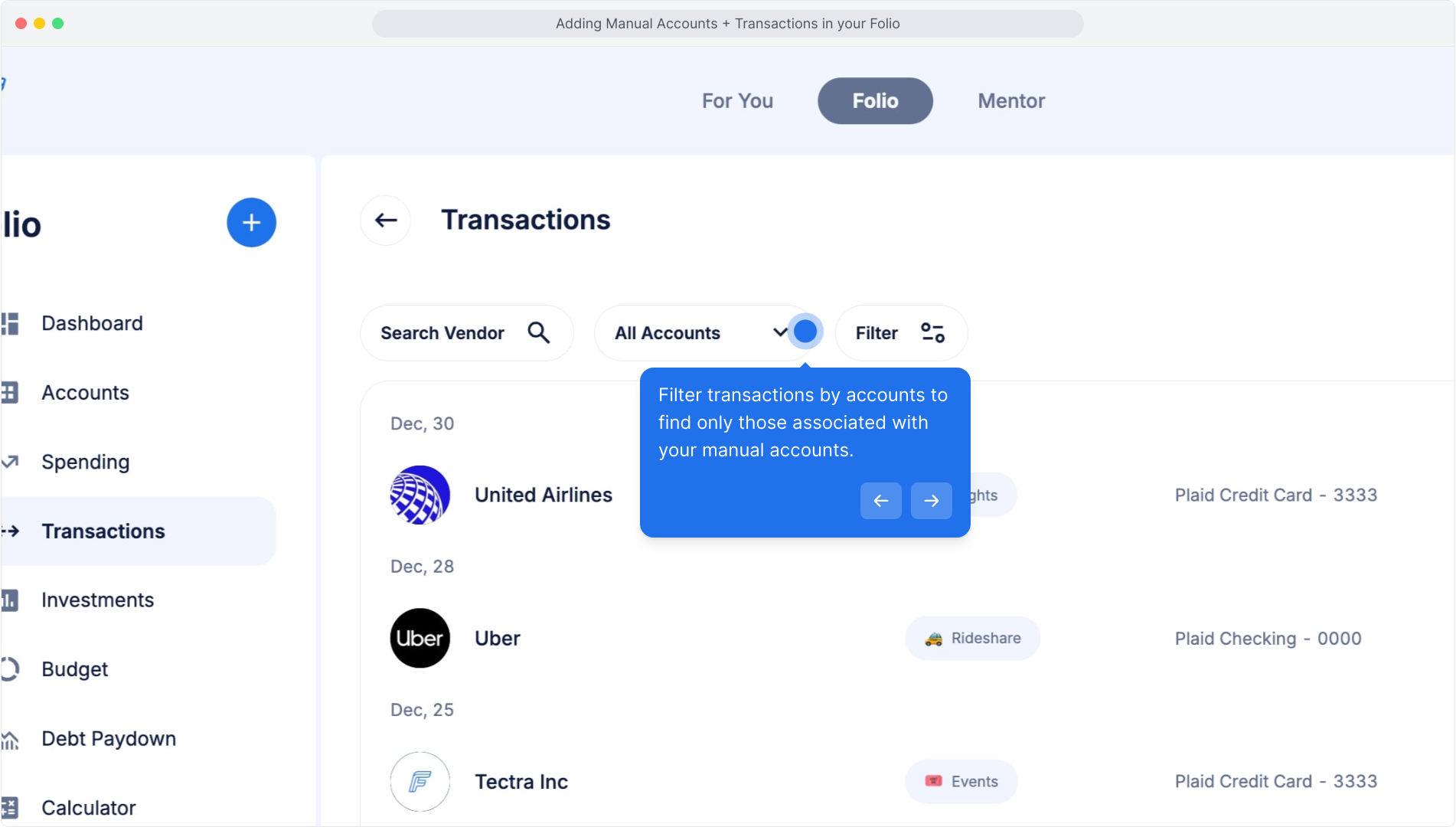
You can filter transactions by accounts to find only those associated with your manual accounts.
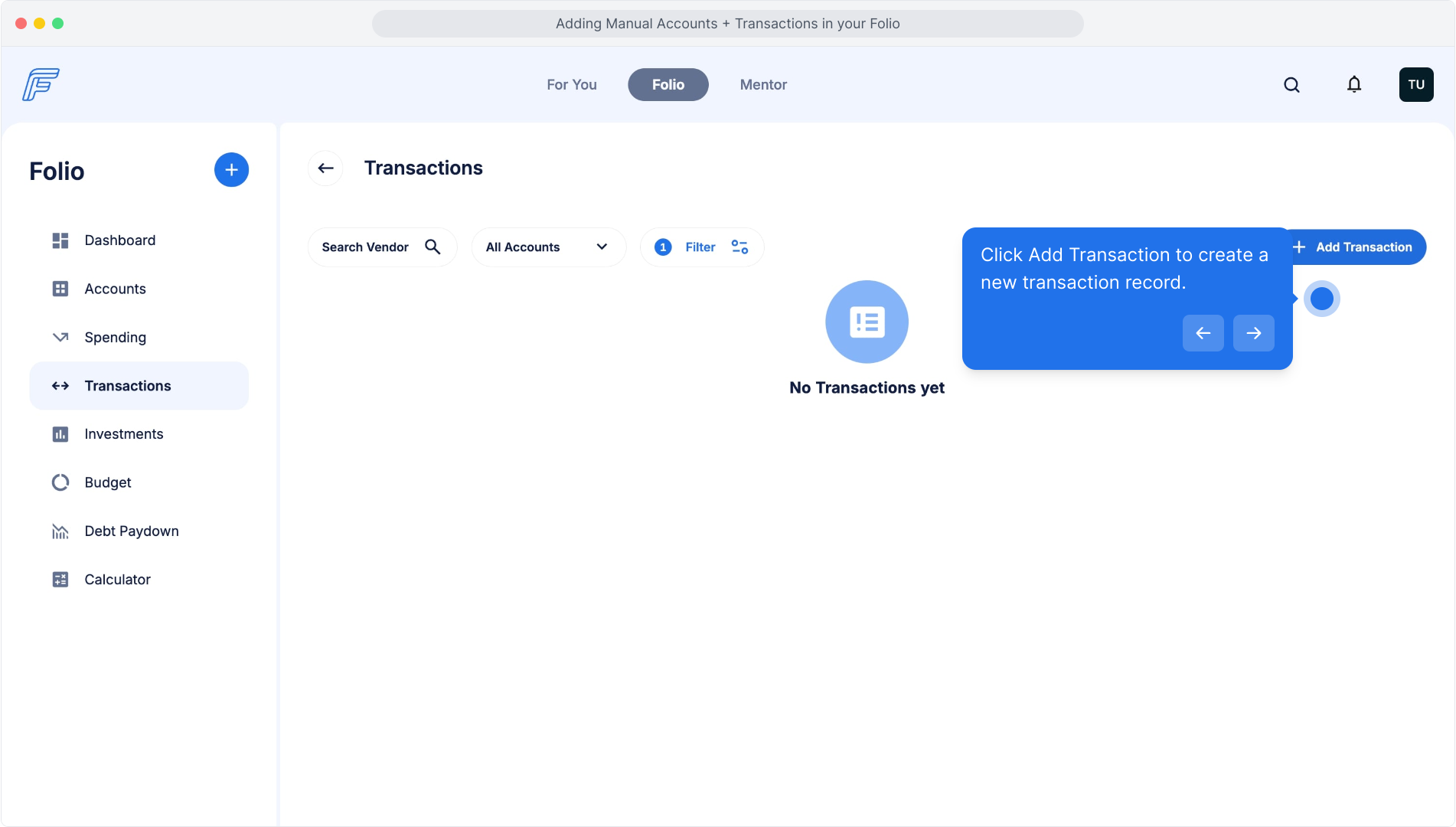
Click Add Transaction to create a new transaction record.
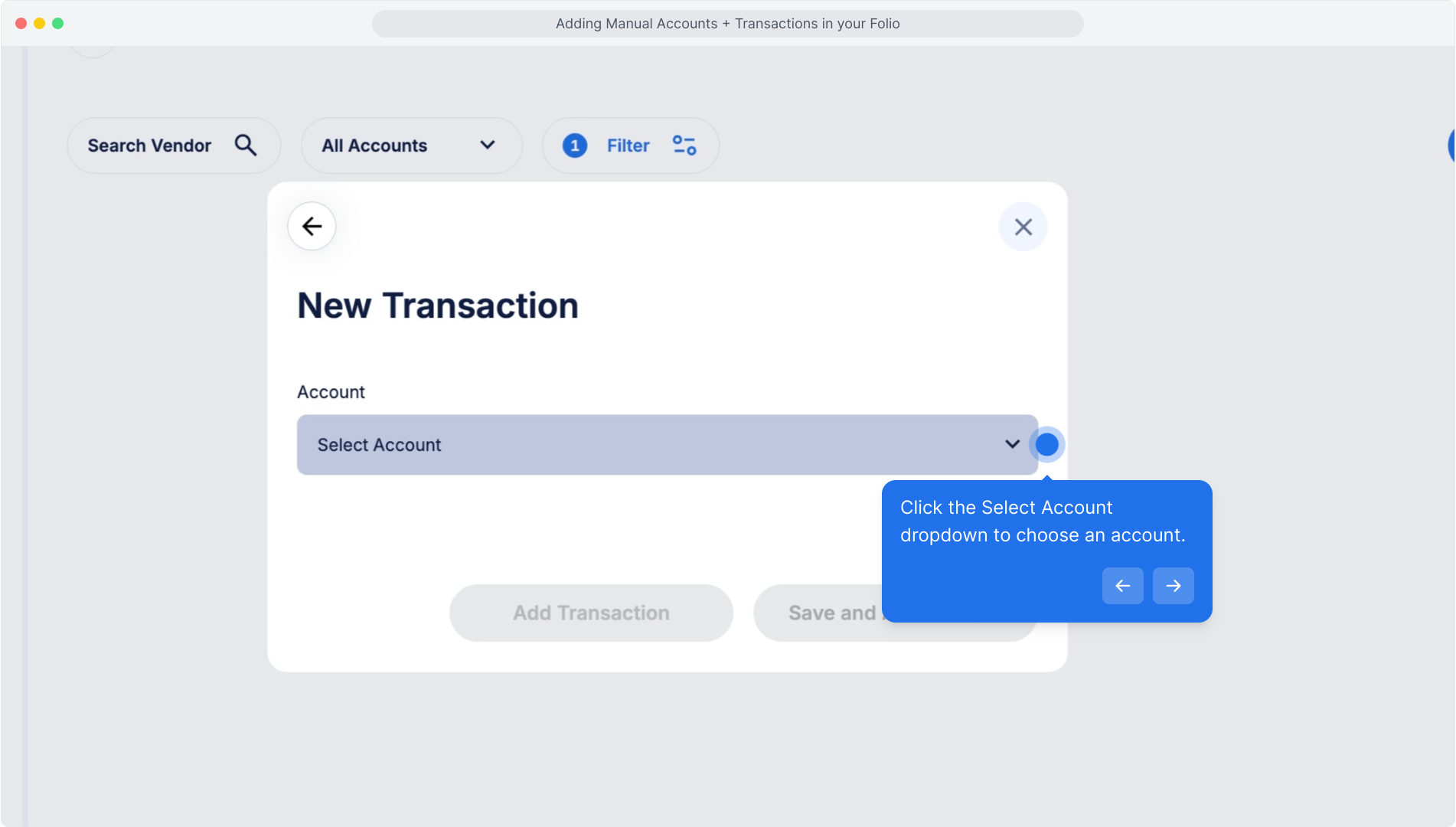
Click the Select Account dropdown to choose an account.
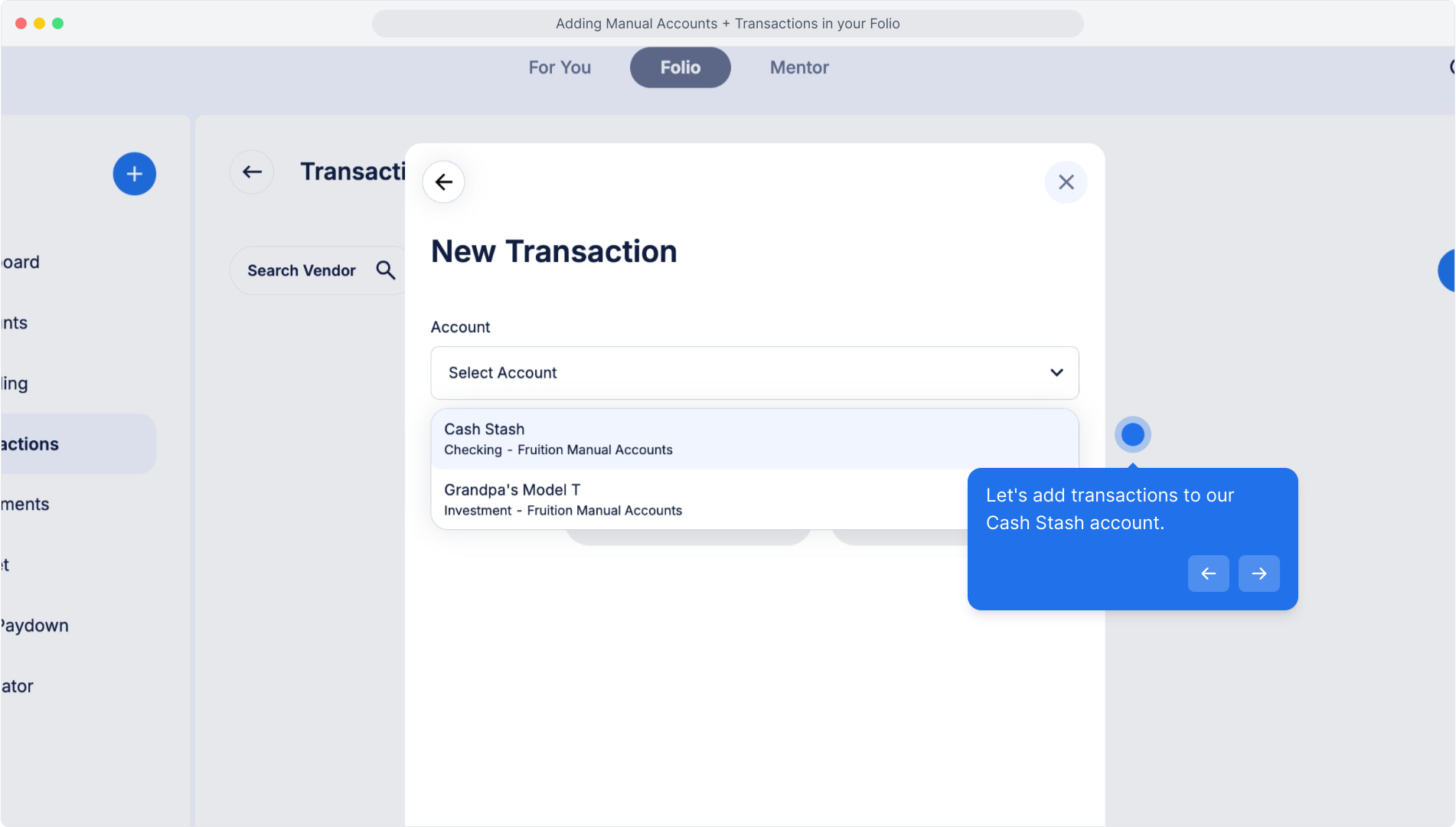
Let's add transactions to our Cash Stash account.
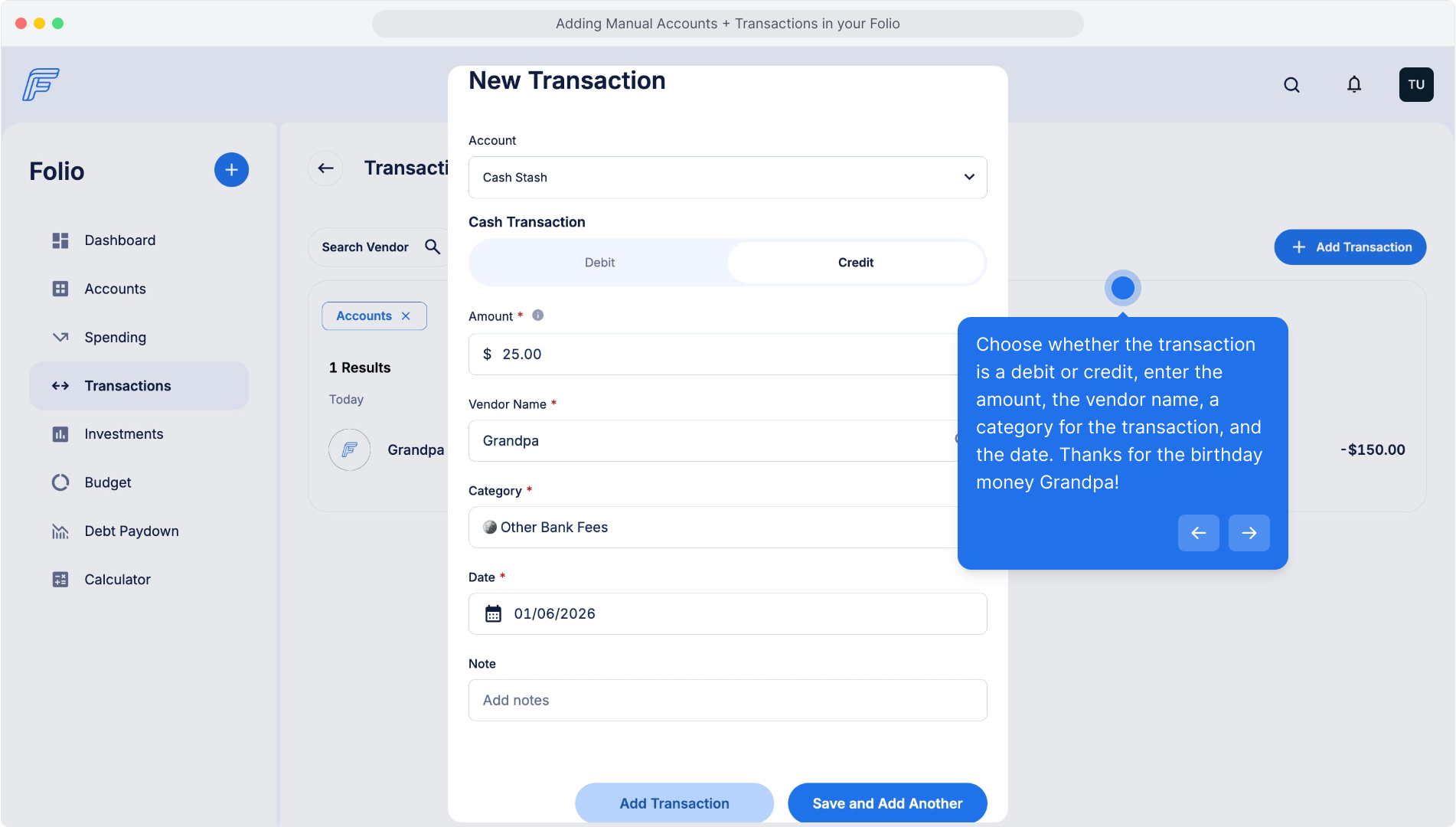
Choose whether the transaction is a debit or credit, enter the amount, the vendor name, a category for the transaction, and the date. Thanks for the birthday money Grandpa!
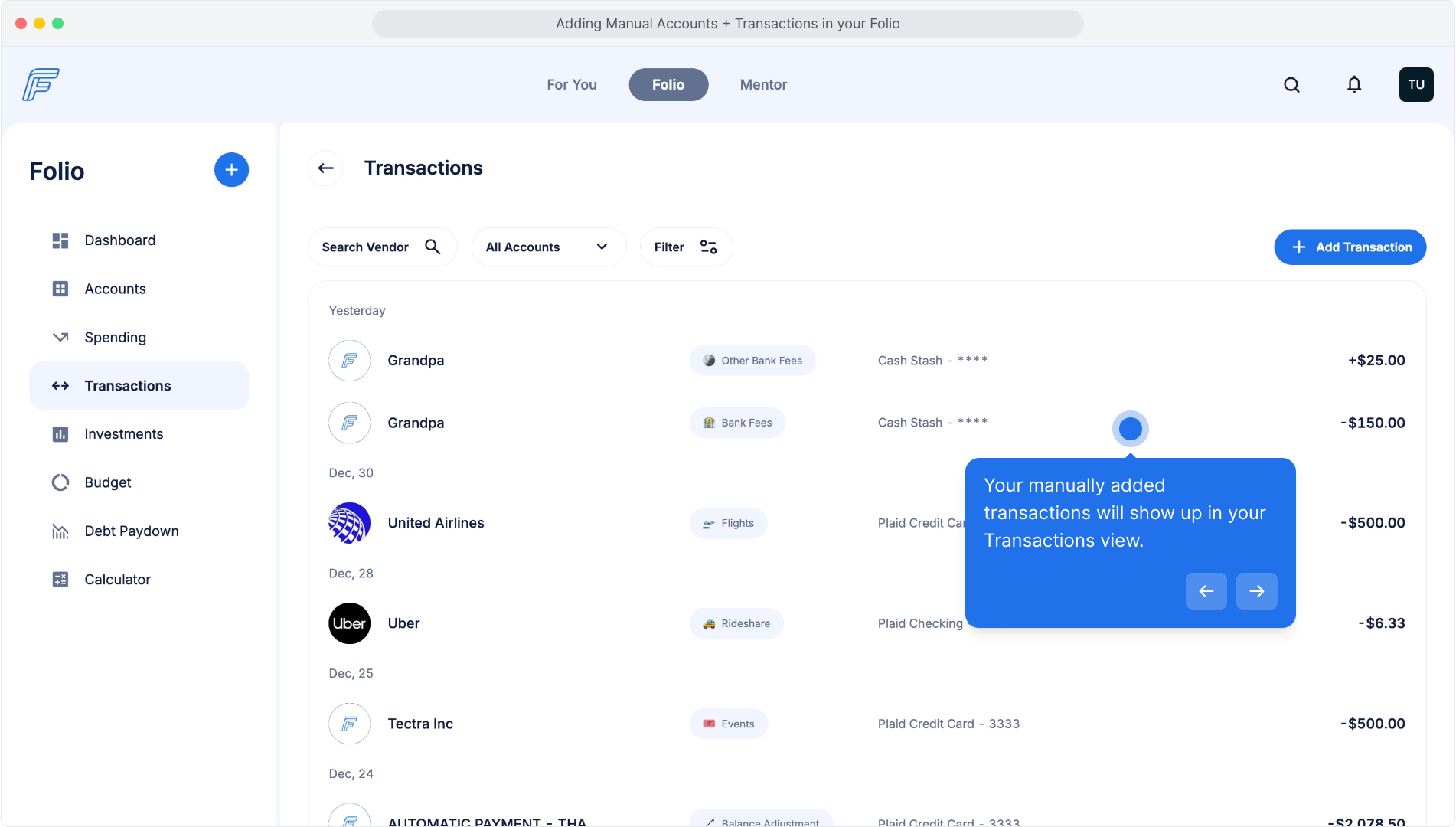
Your manually added transactions will show up in your Transactions view.